Stack up your pictures in the Google Photos app to save time and space
The new stacking feature has been compared to Pixel’s Top Shot which captures multiple frames before and after you press the shutter button and then uses AI to determine the best-looking photo from the batch. While Top Shot is available on Pixel handsets only, the new photo stacking tool is expected to be coming to all Google Photos users, possibly those with an iPhone as well. It’s all part of a plan by Google to infuse more apps with AI.
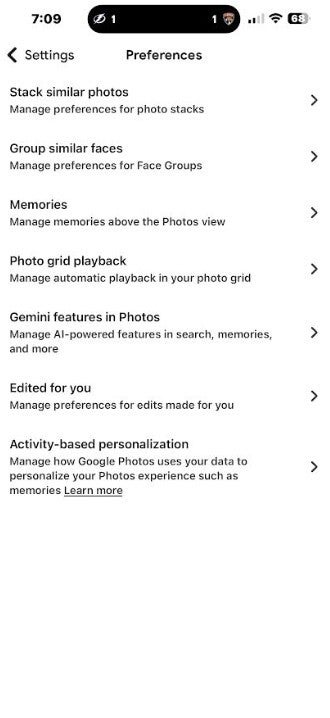
When the stacking tool comes to Google Photos for Android, it will appear on this page. | Image credit-PhoneArena
You’ll know whether the update containing the feature has hit your phone by opening the Google Photos app on your handset. Tap the profile icon in the upper right corner. Tap Google Photos Settings > Preferences and enable the “Group similar photos” option if it appears on your phone.
How to tell if the feature is on your phone
Remember, at the end of the day, stacking photos not only makes the photo gallery look better, but it will also save you from scrolling through many duplicate photos and it will give you a little more storage.
Trending Products

Video Conference Lighting Kit, Ring...
15W LED Video Light Kit
Desk Ring Light for Zoom Meetings &...
SAMHOUSING Ipad Tripod Stand, with ...
LISEN Tablet Stand
LanPavilion iPad Stand, Adjustable ...

DJI Osmo Mobile SE, 3-Axis Phone Gi...
2pcs Original Joystick Parts for Zh...
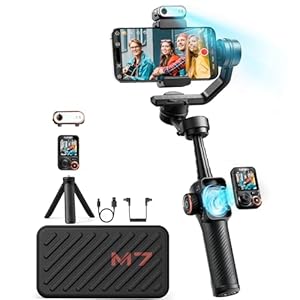
hohem iSteady M7 Gimbal