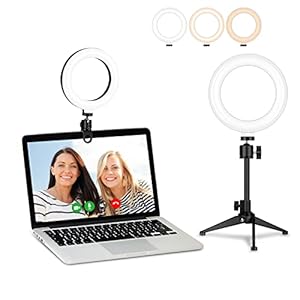
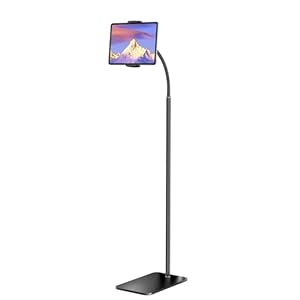
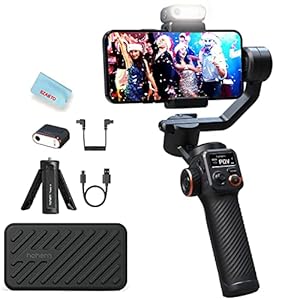
Level up your virtual setup with pro gear for casting, interviews, and content creation — be seen, be heard, be unforgettable

Google adds a feature to the Chrome for Android app that many want but most won’t get

On Android smartphones, the Chrome app is the default mobile browser for the operating system. This results in Chrome having some very impressive usage numbers. For example, over 71% of Android users worldwide use Chrome as their primary browser. In Android-dominant Emerging Markets like India and Africa, Chrome’s share is more than 90%. Even though it is offered to iPhone users via the App Store, with Google as its developer, Chrome is more often associated with Android handsets.

Many Chrome for Android users have been asking for a Bookmark Bar similar to the one on the desktop version

The bar runs the same length as the Omnibox above it and a chevron facing right at the end of the page allows you to view bookmarks that don’t fit including folders. Pressing “All Bookmarks” opens the full-screen browsing UI. If you need to see the URL of a bookmark, long-press on a bookmark entry.

The location of the Bookmark Bar on the app is exactly where you find it on your computer screen, right under the address bar. To enable it, open the Chrome for Android app and tap the profile icon in the upper right corner. Go to Settings > Appearance > Show bookmarks bar. Apparently, Google is limiting this feature to large-screened Android devices only, and it does not appear on my Pixel 6 Pro even though it is running version 146 of the Chrome Browser. So you can expect to see it on Android-powered tablets and foldable phones.

Not all Android phones will get the Bookmark Bar, only those with a certain characteristic

Perhaps Google will add this feature to Chrome for Android on handsets equipped with regular-sized displays. This is something that we will be on the lookout for, and if Google decides to broaden the rollout of the Bookmark Bar for the Android Chrome app, we will certainly let you know. If you have a large-screened device, have version 146 of the Chrome for Android app and the Bookmark Bar still doesn’t appear, try to Force Stop the app from Chrome’s App Info page (Settings > See all apps > Chrome. Press the Force stop button.

Even if your Android phone doesn’t have the bar, you can still create new bookmarks. To do so, from the site you want to bookmark, tap the three-dot icon in the right corner. Press “Bookmarks” and then the star at the top of the page. You will see a notification at the bottom of the page. If the star is black before you tap on it, you already have bookmarked that site. 

To open the bookmark, open Chrome, tap the three-dot icon and tap on Bookmarks. Since the notification that appeared when we bookmarked the PhoneArena website said that the site 

would be saved in the “Other” folder, that is the one we will press to open it. If you’re not happy with having a Bookmark Bar on the Chrome for Android app, you can disable the feature by setting the toggle to “off.”

The Bookmark Bar is a time saver since it allows you to make one tap to view a bookmarked page. But more importantly, it makes the Chrome app for Android act like and look like the Chrome desktop browser. This way you don’t have to learn two different ways to get your bookmarked sites on your phone and on your desktop computer.

$5/mo off for 5 years on Visible premium plans

New members get $5/mo off the $35/mo Visible+ plan or $5/mo off the $45/mo Visible+ Pro plan for the first 60 months when they port-in from an eligible carrier. Use code 5OFF5 at checkout to save up to $300.


Buy at Visible

Trending Products

- 10% Video Conference Lighting Kit, Ring...
Original price was: $21.99.Current price is: $19.79.

Video Conference Lighting Kit, Ring...

0
Add to compare
- 32% 15W LED Video Light Kit
Original price was: $50.60.Current price is: $34.19.

15W LED Video Light Kit

0
Add to compare
- 25% Desk Ring Light for Zoom Meetings &...
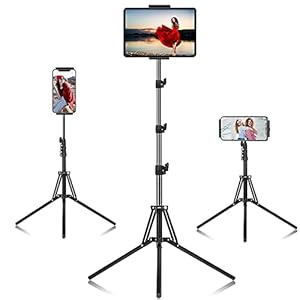
Original price was: $29.25.Current price is: $21.99.

Desk Ring Light for Zoom Meetings &...

0
Add to compare
- 37% SAMHOUSING Ipad Tripod Stand, with ...
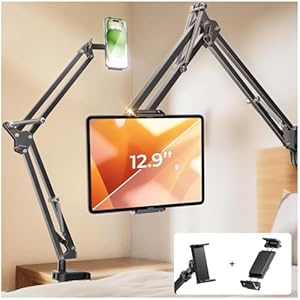
Original price was: $28.60.Current price is: $17.99.

SAMHOUSING Ipad Tripod Stand, with ...

0
Add to compare
- 40% LISEN Tablet Stand
Original price was: $44.80.Current price is: $26.99.

LISEN Tablet Stand

0
Add to compare
- 37% LanPavilion iPad Stand, Adjustable ...
Original price was: $47.38.Current price is: $29.99.

LanPavilion iPad Stand, Adjustable ...

0
Add to compare
- 28% DJI Osmo Mobile SE, 3-Axis Phone Gi...
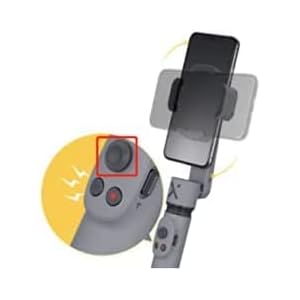
Original price was: $95.91.Current price is: $69.00.

DJI Osmo Mobile SE, 3-Axis Phone Gi...

0
Add to compare
- 33% 2pcs Original Joystick Parts for Zh...
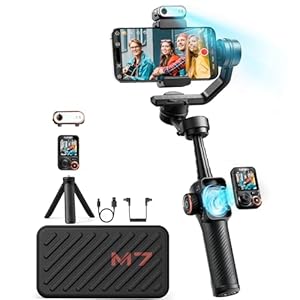
Original price was: $22.49.Current price is: $14.99.

2pcs Original Joystick Parts for Zh...

0
Add to compare
- 35% hohem iSteady M7 Gimbal
Original price was: $416.95.Current price is: $269.00.

hohem iSteady M7 Gimbal

0
Add to compare
- 20% Hohem iSteady M6 Kit Smartphone Gim...
Original price was: $209.00.Current price is: $167.20.

Hohem iSteady M6 Kit Smartphone Gim...

0
Add to compare
.

We will be happy to hear your thoughts

Leave a reply

ICU Must Haves
Logo
Register New Account
Compare items
  • Total (0)
Compare
0
Shopping cart