Level up your virtual setup with pro gear for casting, interviews, and content creation — be seen, be heard, be unforgettable

Galaxy S21 FE starts getting its last major One UI update

Samsung has started rolling out the long-awaited One UI 8.0 update to the now four-year-old Galaxy S21 FE. The update is based on Android 16, and it is currently available in Thailand and Vietnam, with other regions expected to follow soon.

The new firmware (version G990EXXUIHYJ2) has a download size of over 2 GB and includes the September 2025 security patch. As usual, users can check for the update manually via Settings > Software update > Download and install.

What you’ll get with One UI 8
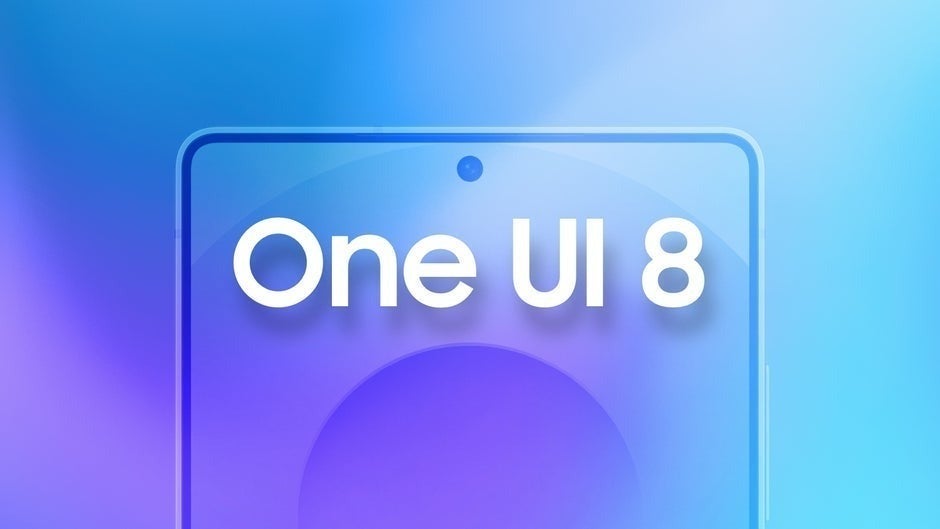
The One UI 8.0 update from Samsung includes various small improvements instead of making any significant changes to the user interface. The system update brings new functionality which enhances productivity by enabling better multitasking and automated workflow automation.

Productivity

Quick Share now enables users to exchange files through quick settings while Samsung Internet received a new menu design that users can customize. The My Files app now includes filters which enable users to organize their downloaded files by origin and Samsung Health provides additional running distance challenges and food tracking reminder features.

Multitasking

Samsung DeX receives updated display management capabilities through its support for WQHD output and complete screen rotation functionality. Users can now access split-screen mode which allows them to display one application while keeping another application running in the background. The Reminder and Calendar apps have a closer connection because users can make reminders and edit them and move them through the calendar interface.

Customization

The Modes and Routines section receives additional preset routines and data-linked actions which retrieve information from Calendar and Clock and Samsung Notes applications. The Lock Screen and Quick Panel sections maintain their customization capabilities which follow Samsung’s goal to create uniform personalization features throughout its software platform.

Camera

The camera interface enables users to access controls more quickly through swipe gestures which make it easier to modify exposure and mode settings. Secure Folder now provides users with enhanced hiding and encryption capabilities and the system includes Bluetooth hearing aid pairing and Auracast broadcast support for better accessibility.

Visual changes

The Weather app now displays more authentic visual elements and Samsung has made universal UI improvements to create a unified look throughout their ecosystem.

The S21 FE might not get more OS updates, but that doesn’t mean you have to retire it
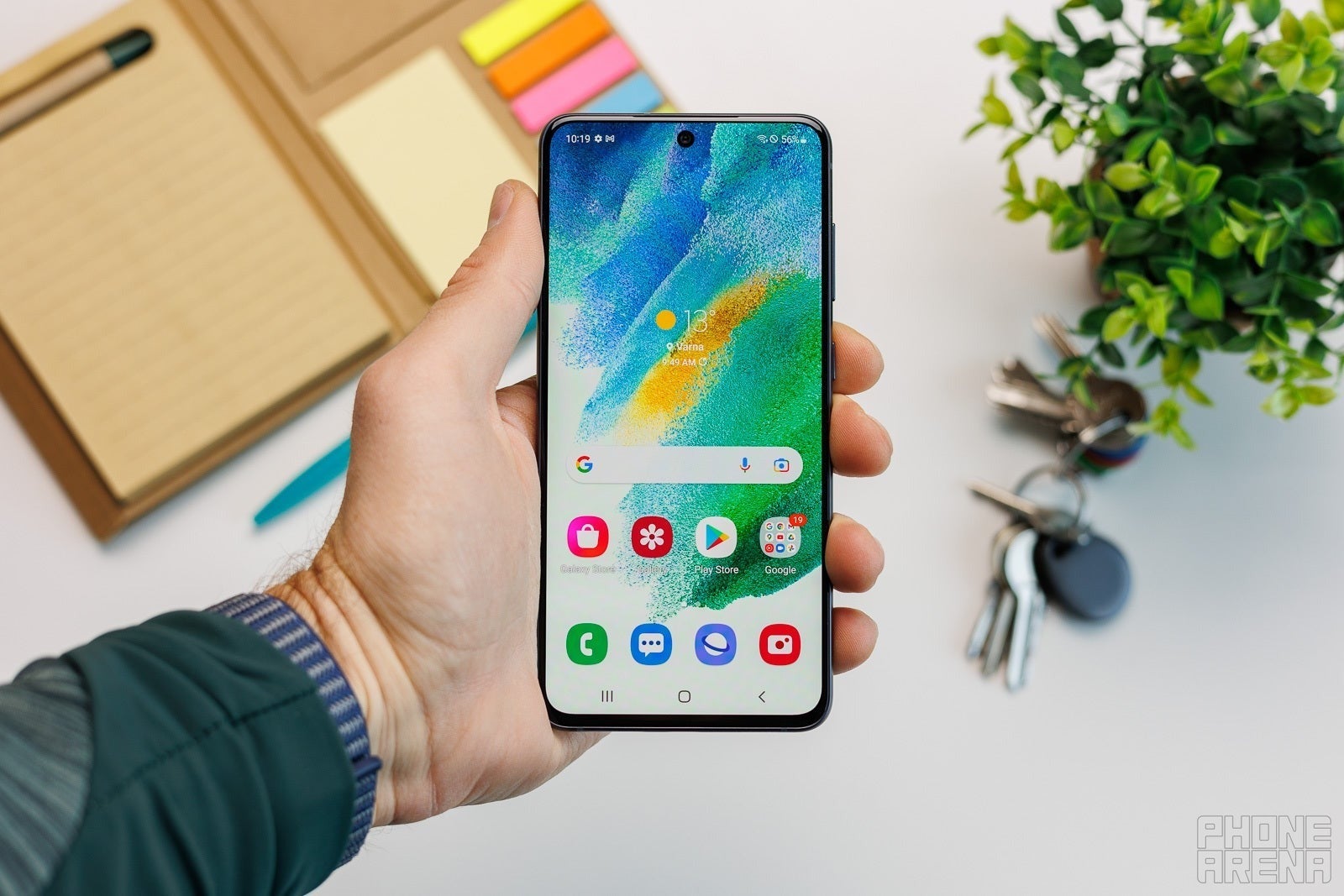
The Galaxy S21 FE launched in early 2022 with Android 12 (One UI 4.0) and has since gone through four major OS updates: Android 13, 14, 15, and now 16. This completes Samsung’s promised four-year update cycle for the model.

Even though no further major OS upgrades are coming, S21 FE users will continue receiving security patches for at least another year. So, while you won’t get new software features, your 2022 Galaxy Fan Edition will remain secure and reliable if you don’t want to part with it just yet.

It’s always good to see a company stand by its promises. Samsung once had a poor reputation for software support, but that hasn’t been the case for a long time now, and the S21 FE is proof of it. Today, Samsung is among the most dependable brands when it comes to long-term updates, even for non-flagship phones, earning it serious brownie points over much of the competition.
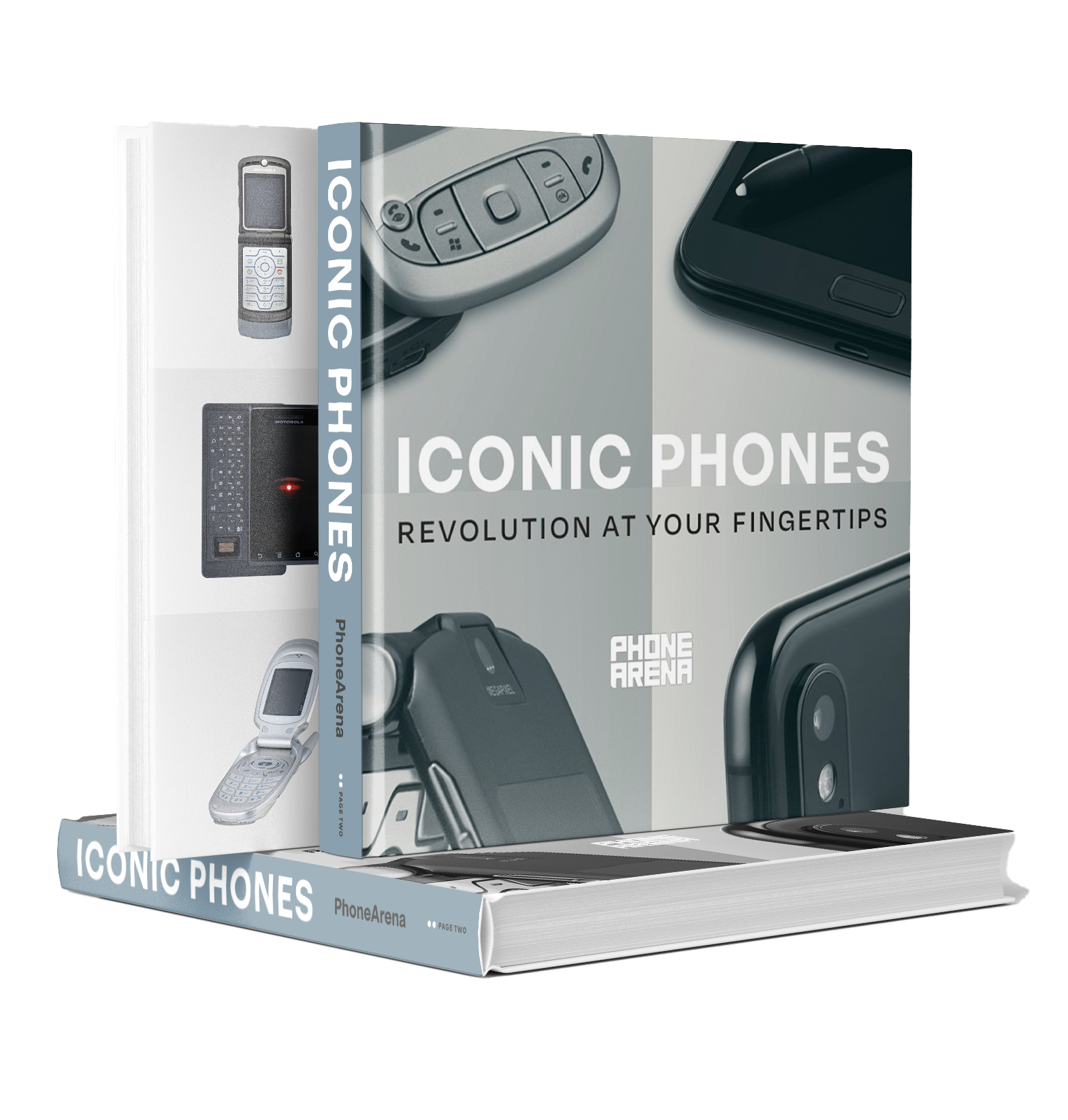
“Iconic Phones” is coming this Fall!

Relive the most iconic and unforgettable phones from the past 20 years! Iconic Phones is a stunningly illustrated book we’ve been crafting for over a year—and it’s set to launch in just a couple of months!

Iconic Phones: Revolution at Your Fingertips is the ultimate coffee table book for any phone enthusiast. Featuring the stories of more than 20 beloved devices, it takes you on a nostalgic journey through the mobile revolution that transformed our world. Don’t miss out—sign up today to lock in your early-bird discount!

Buy 3 Months, Get 3 Free

Visible+ Pro – up to $135 savings on Verizon’s fastest 5G

We may earn a commission if you make a purchase


Check Out The Offer

Trending Products

- 10% Video Conference Lighting Kit, Ring...
Original price was: $21.99.Current price is: $19.79.

Video Conference Lighting Kit, Ring...

0
Add to compare
- 32% 15W LED Video Light Kit
Original price was: $50.60.Current price is: $34.19.

15W LED Video Light Kit

0
Add to compare
- 25% Desk Ring Light for Zoom Meetings &...
Original price was: $29.25.Current price is: $21.99.

Desk Ring Light for Zoom Meetings &...

0
Add to compare
- 37% SAMHOUSING Ipad Tripod Stand, with ...
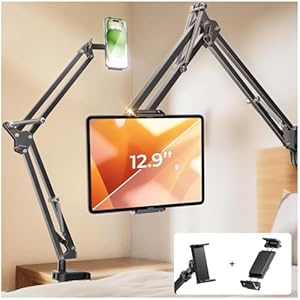
Original price was: $28.60.Current price is: $17.99.

SAMHOUSING Ipad Tripod Stand, with ...

0
Add to compare
- 40% LISEN Tablet Stand
Original price was: $44.80.Current price is: $26.99.

LISEN Tablet Stand

0
Add to compare
- 37% LanPavilion iPad Stand, Adjustable ...
Original price was: $47.38.Current price is: $29.99.

LanPavilion iPad Stand, Adjustable ...

0
Add to compare
- 28% DJI Osmo Mobile SE, 3-Axis Phone Gi...
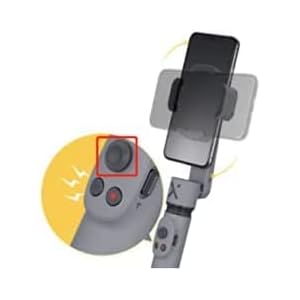
Original price was: $95.91.Current price is: $69.00.

DJI Osmo Mobile SE, 3-Axis Phone Gi...

0
Add to compare
- 33% 2pcs Original Joystick Parts for Zh...
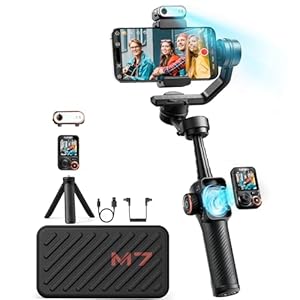
Original price was: $22.49.Current price is: $14.99.

2pcs Original Joystick Parts for Zh...

0
Add to compare
- 35% hohem iSteady M7 Gimbal
Original price was: $416.95.Current price is: $269.00.

hohem iSteady M7 Gimbal

0
Add to compare
- 20% Hohem iSteady M6 Kit Smartphone Gim...
Original price was: $209.00.Current price is: $167.20.

Hohem iSteady M6 Kit Smartphone Gim...

0
Add to compare
.

We will be happy to hear your thoughts

Leave a reply

ICU Must Haves
Logo
Register New Account
Compare items
  • Total (0)
Compare
0
Shopping cart